Promote and build excitement for Google Workspace for Education
Help everyone in your school get acquainted with, and excited about, what Google Workspace for Education can do for them. Here you’ll find logos, assets, guidelines, and advice on how to best create or update promotional or training materials.

Visual assets and guidelines
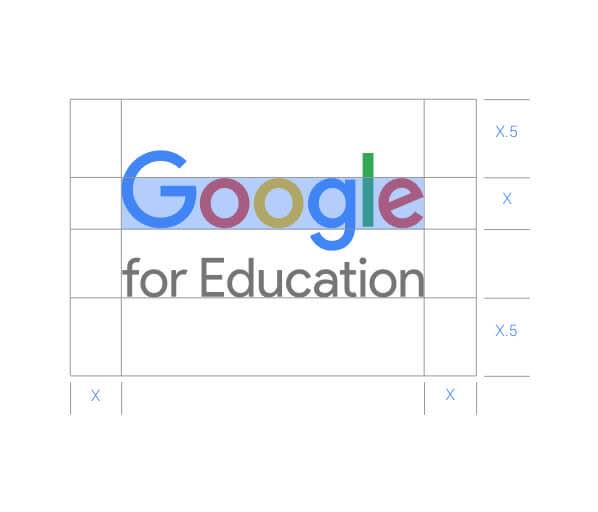
Guidelines
Follow these branding guidelines when using the Google logos and icons on your materials so everything looks consistent and professional.

Rebrand toolkit
Keep your web properties and collateral up to date with these assets and guidelines on how to communicate about Google Workspace for Education.
Logos
Add the Google Workspace or Google Workspace for Education logo on your promotional or training materials.

Communications checklist
Here are a few basic guidelines to ensure all of your communications stand out and make an impact.
Write in simple, conversational language

Refer to real people and examples
Feature original photos of your school community
Make your school branding prominent
Use approved Google icons and logos
Explore resources to empower your education needs
-
Discover technology training and resources for educators available for no charge.
See tips for Google products and learn how you can distinguish yourself in your classroom and career with certifications from Google for Education.
-
Get help from Google
Whether you have a specific question, an issue to troubleshoot, or want to learn more about what Google Workspace for Education products can do, we’re here to help.
-
Find resources teachers can use today
Learn about professional development opportunities and product updates to ensure you’re tapping into the full potential of Google Workspace for Education.


Keep exploring
-
Move your institution forward with Google Workspace for Education
Find tools and resources to help administrators and educators get the most out of Google Workspace for Education.
-
Get started with Google Workspace for Education
Follow this step-by-step quickstart guide for setting up Google Workspace for Education.
-
Stay up to date with the latest from Google Workspace for Education
Help teachers and administrators dive deeper into Google Workspace for Education, connect with a broader community, and keep up with the latest product enhancements.


